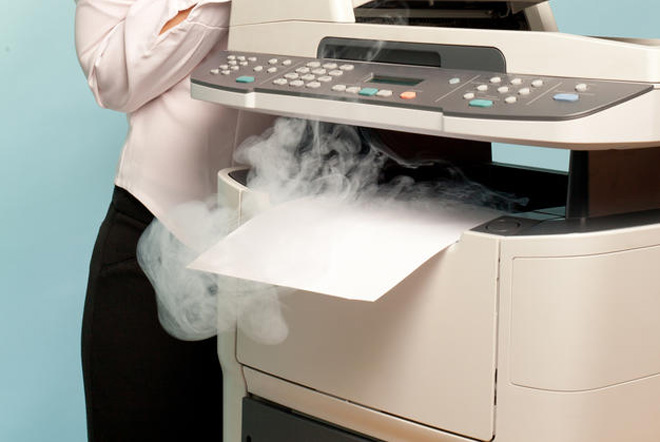
Why Does My Printer Suddenly Say “Overheating” or “Cooling Down”?
You’re in the middle of printing, and suddenly the printer stops and shows “Overheating” or “Cooling Down”.
It sounds serious — but in most cases, this is normal self-protection, not a malfunction.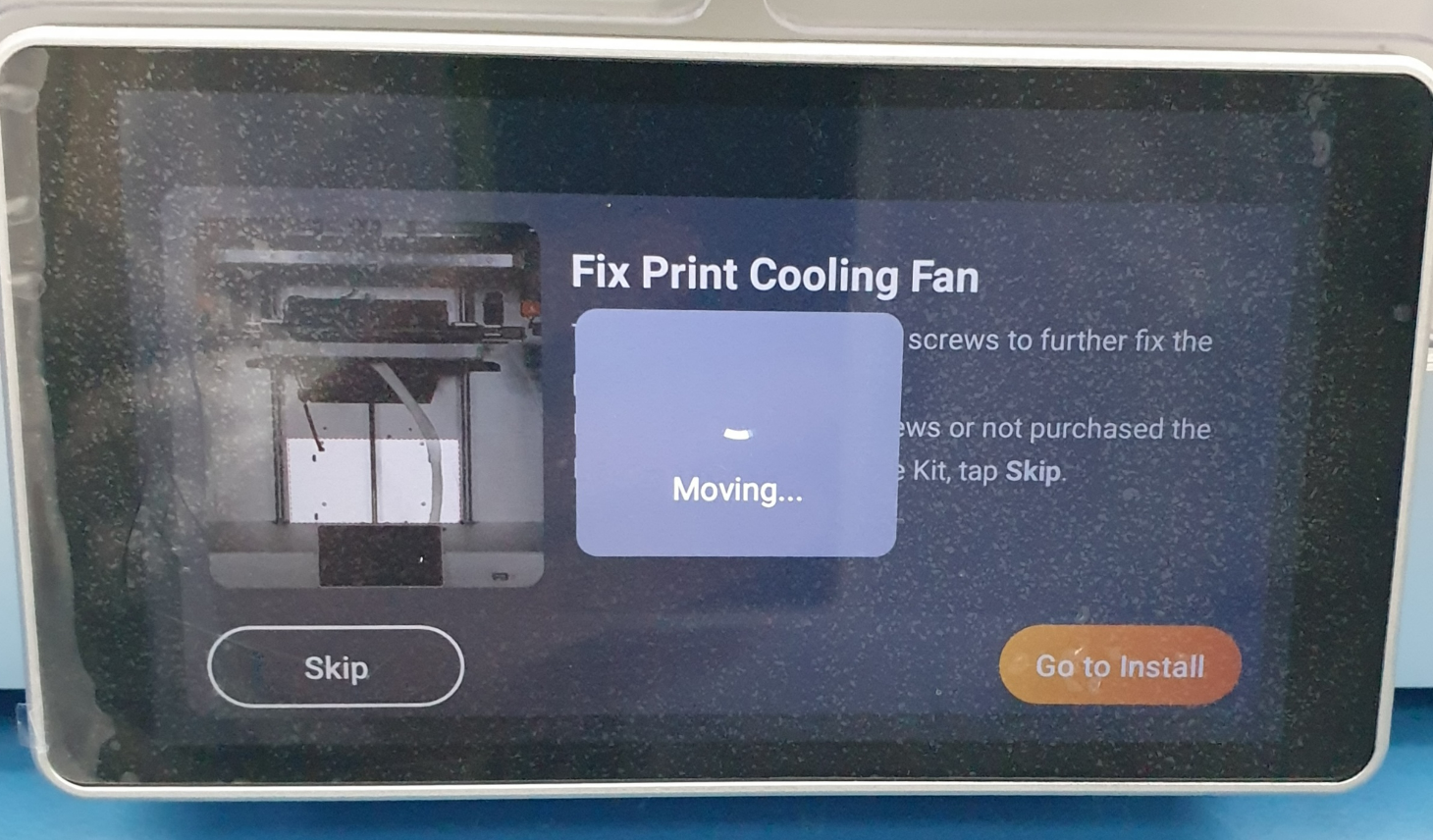
Why This Message Appears 🖨️
Continuous or high-volume printing
Laser printers generate heat to fuse toner onto paper. Printing many pages in a row can raise internal temperature.
Warm environment
If the room is hot or poorly ventilated, the printer cools down more slowly.
Built-in safety protection
Most printers automatically pause to prevent overheating and protect internal components.
Normal behavior for compact/home printers
Smaller printers are designed for daily use, not nonstop high-volume jobs.
What You Should Do 👍
-
Pause printing and wait a few minutes
-
Let the printer cool down naturally
-
Make sure vents are not blocked
-
Resume printing once the message disappears
The printer will usually continue on its own.
How to Avoid It Next Time 💡
-
Break large print jobs into smaller batches
-
Avoid placing the printer in enclosed or hot spaces
-
Give the printer short breaks during heavy use
Print More Smoothly with ASTA 💙
ASTA compatible toner works reliably with your printer’s normal heat control system, helping ensure stable daily printing.
👉 Explore ASTA Compatible Toner Cartridges
Find the right ASTA toner for your printer and keep printing with confidence.